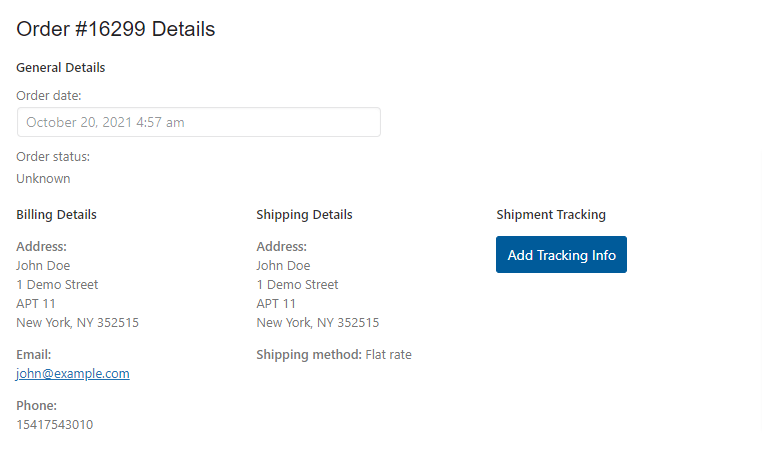
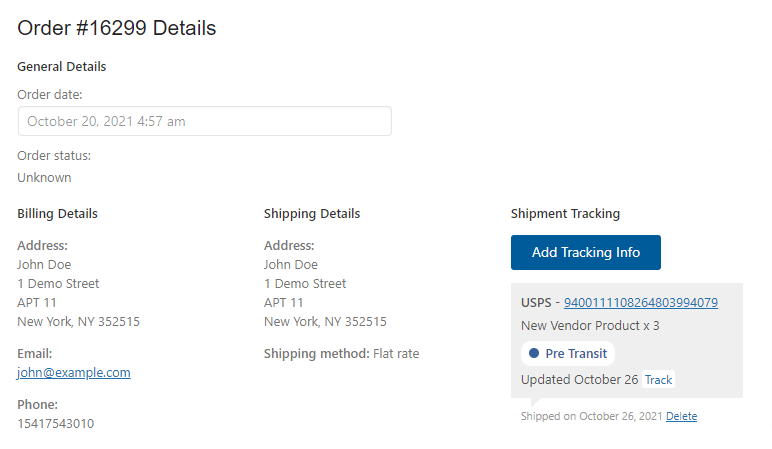
AST PRO is fully compatible with WooCommerce Product Vendors. When both plugins are active, vendors can add and manage shipment tracking directly from their Vendor Dashboard — including per-item and partial-fulfillment tracking.
What vendors can do
- Add a tracking number, carrier, and shipped date to orders they fulfil.
- Assign tracking numbers to specific line items (per-item tracking).
- Handle partial fulfilment — different tracking numbers for different quantities of the same item.
- An admin notification is sent when a vendor adds tracking to an order.
Requirements
How to add tracking from the vendor dashboard
- 1Log in to the Vendor Dashboard and open the order you are fulfilling.
- 2Scroll to the Shipment Tracking section in the order detail screen.
- 3Select the items and quantities shipping in this package.
- 4Enter the Tracking Number, Shipping Provider, and Date Shipped.
- 5Click Fulfill Items to save.