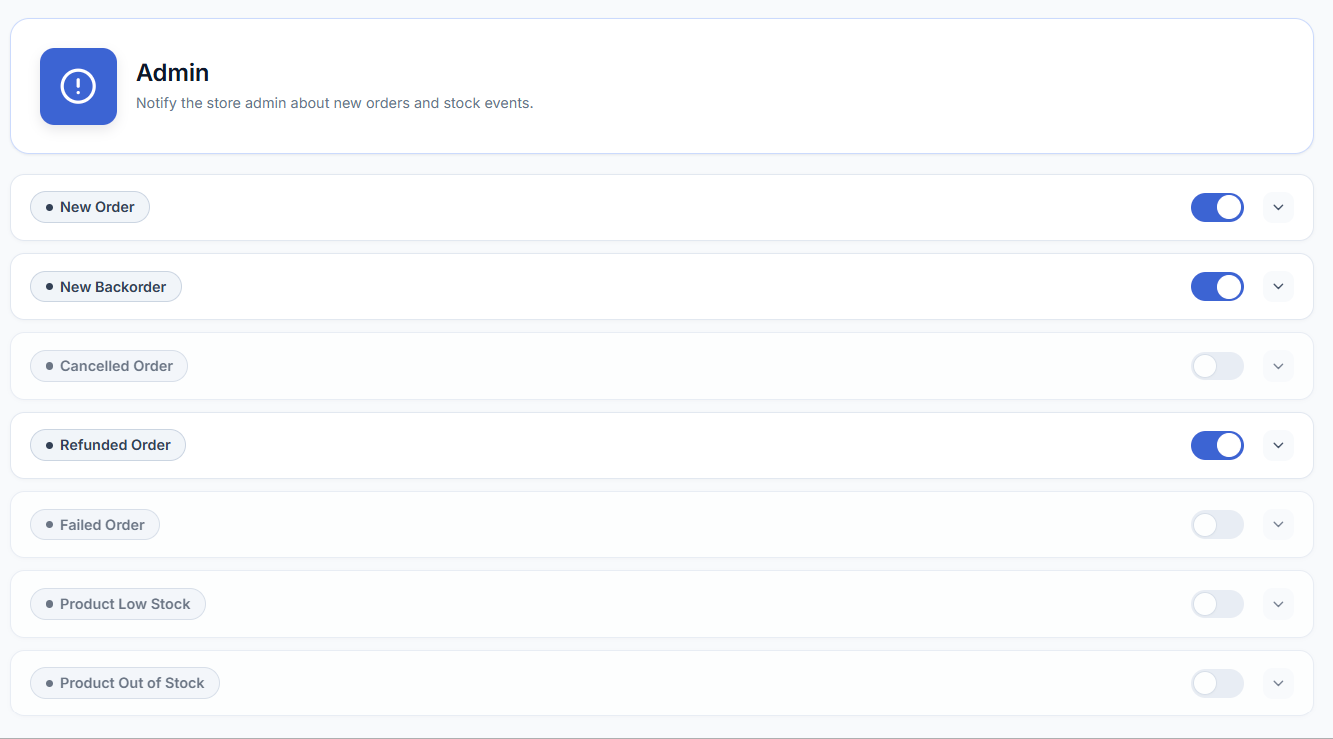
Set up alerts to your own phone for critical events like new orders, low stock, or refunds.
- Go to WooCommerce → SMS Settings → SMS Notifications.
- Open the admin notifications section.
- Enable SMS alerts for the store events you want to track.
- Customize the message text for each event.
- Save your changes.
Where to enter the admin phone number
Admin alerts are sent to a single number entered in WooCommerce → SMS Settings → Settings tab → Admin Phone Number. Enter it in E.164 format with a leading + and country code (for example +14155552671) — some SMS gateways reject numbers submitted without a country prefix. This field accepts one phone number; it is not a repeatable/multi-recipient field, so if you need alerts to reach more than one person, forward the SMS yourself or route the number through a carrier-side group. See Settings for how to connect your SMS gateway before configuring this field.
| Status | Description |
|---|---|
| New Order | New order SMS notifications are sent when a new order is received. |
| New Backorder | Backorder SMS notifications are sent when Product quantity is out of stock. |
| Canceled Order | When the order is canceled by the Customer or admin, canceled SMS notifications are sent. |
| Refunded Order | When the order is refunded, Refunded notifications are sent. |
| Failed Order | When the order status is failed, Failed order notifications are sent. |
| Product Low Stock | Product Low stock SMS is set, When Product stock is going low |
| Product Out of Stock | When the product’s stock is out of stock, Notifications are sent. |