Enhance admin alerts with specific details like product SKU, stock quantity, or shipping method. See How to receive admin SMS alerts for store activity for the full list of admin alert types.
- Open WooCommerce → SMS Settings → SMS Notifications.
- Edit an admin notification message.
- Insert placeholders where dynamic data should appear.
- Use to format multi-line messages.
- Save your changes.
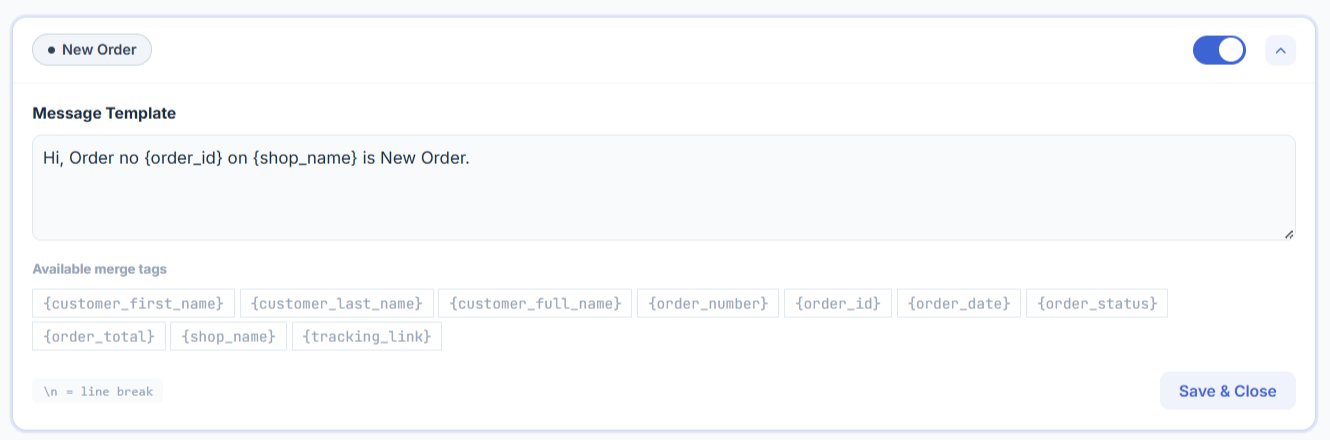
Available placeholders for admin SMS. Not every placeholder is valid for every alert type — see the notes under each group.
Available in every admin alert (New Order, Cancelled, Refunded, Failed, Backorder, Low Stock, Out of Stock)
- {shop_name} – the name of your site
Order alerts only (New Order, Cancelled, Refunded, Failed)
- {order_amount} – the order total
- {order_status} – the order status
- {billing_name} – the customer’s full name from the billing information
- {billing_phone} – the customer’s phone number from the billing information
- {billing_first} – the customer’s first name from the billing information
- {billing_last} – the customer’s last name from the billing information
- {shipping_name} – the name used in the order shipping information
- {shipping_method} – the shipping method chosen on the order
Backorder alerts only
- {product_formatted_name} – product name with quantity
- {product_name} – the product name
- {product_sku} – the product SKU
- {quantity} – the backordered quantity
- {order_id} – the ID of the order that triggered the backorder
Low Stock / Out of Stock alerts only
- {product_formatted_name} – product name with quantity
- {product_name} – the product name
- {product_sku} – the product SKU
- {stock_quantity} – the product’s remaining stock quantity
Note: {order_id}, {order_amount}, {order_status}, and the billing/shipping tags come from the order object and are not available on Low Stock or Out of Stock alerts, which fire from the product rather than an order. {quantity} is specific to backorder alerts and is not the same as {stock_quantity} (remaining stock), which only appears on Low Stock/Out of Stock alerts.