Message logging is off by default. Turning it on lets you see every SMS the plugin has sent (and to whom) in the SMS Notifications Log.
- Go to WooCommerce → SMS Notifications → SMS Log tab.
- Turn on the “Enable Log” toggle.
- Save your changes — every SMS sent from this point on will appear in the SMS Notifications Log.
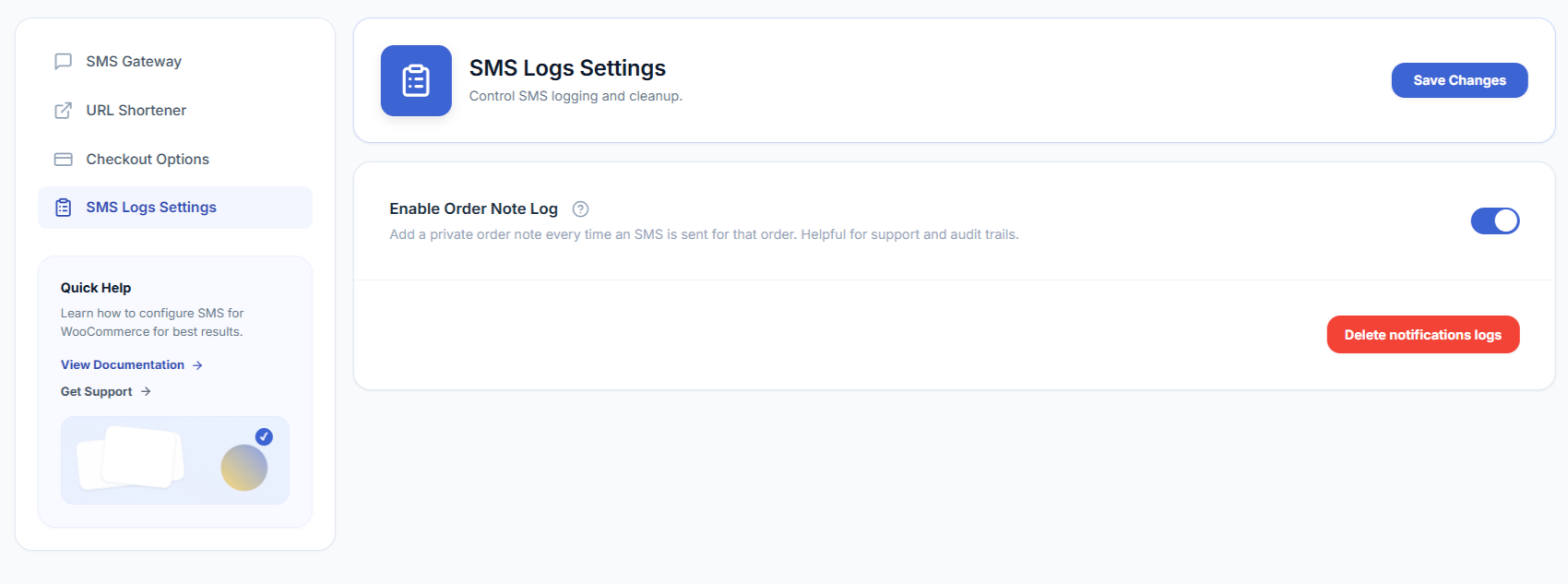
Clearing old log entries
The same SMS Log tab has a Delete notifications logs button that permanently removes log rows older than 30 days. This is a manual action, not an automatic schedule — click it whenever you want to trim the log table. It only deletes plugin log entries; it does not remove the SMS-related order notes on individual orders.