Configure a URL shortener to keep SMS messages concise and within character limits.
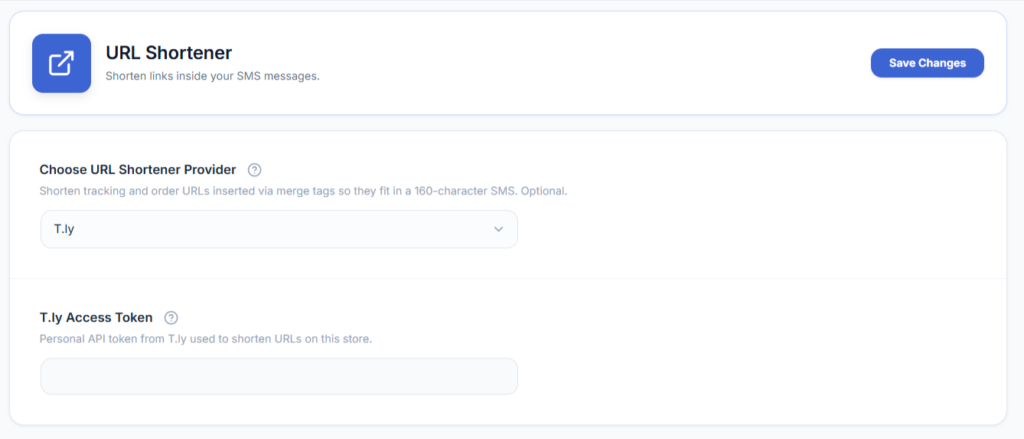
Three shortening services are supported: Bitly, Switchy, and T.ly. Whichever you choose, you’ll need an access token or API key from that service’s own dashboard — sign up with the provider first, generate a token there, then paste it into the plugin settings.
- Go to WooCommerce → SMS Settings.
- Choose the URL shortening service you want to use: Bitly, Switchy, or T.ly.
- Sign in to that service’s own dashboard and copy your access token (Bitly and Switchy call it an access token; T.ly calls it an API key).
- Paste the token into the matching field in the SMS settings area.
- Save your changes.
Why this matters for cost: SMS is billed by your gateway in segments of 160 characters (or 70 characters for messages containing non-Latin/unicode text). A long, unshortened link can easily push a message over one segment, doubling (or more) the cost of every message that includes it. Shortening links keeps messages inside a single segment more often.
This is one of several delivery options available — see Settings for the rest.