SMS for WooCommerce is a comprehensive solution designed to automate customer communication through SMS notifications. It allows store owners to send timely order status updates, delivery notifications, and important alerts directly to customers’ mobile phones, reducing the need for manual follow-ups and support inquiries.
Key Features
Note: Activating your Zorem license only unlocks the plugin itself. To actually deliver messages, you also need a separate, active, and funded account with an SMS gateway of your choice (Twilio, Vonage, MSG91, and 15+ others are supported) — message delivery and billing happen through that third-party provider, not through Zorem.
How to Activate the License?
From your WordPress dashboard, go to WooCommerce > SMS Notifications > License and click Activate License.

You’ll be redirected to zorem.com to connect your store.
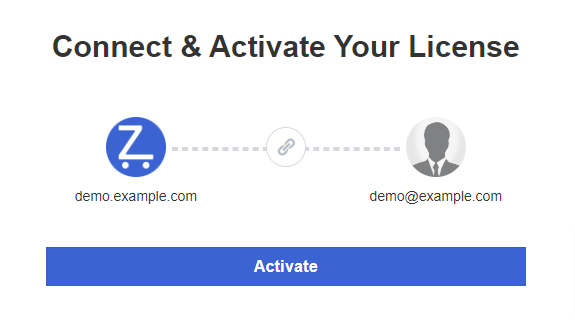
Once confirmed, you’ll be returned to your store with the license activated.

Next step: head to Settings to connect an SMS gateway and start sending messages.