Enable customers to stop receiving SMS notifications through self-service options on their order pages.
- Ensure SMS opt-in is enabled during checkout.
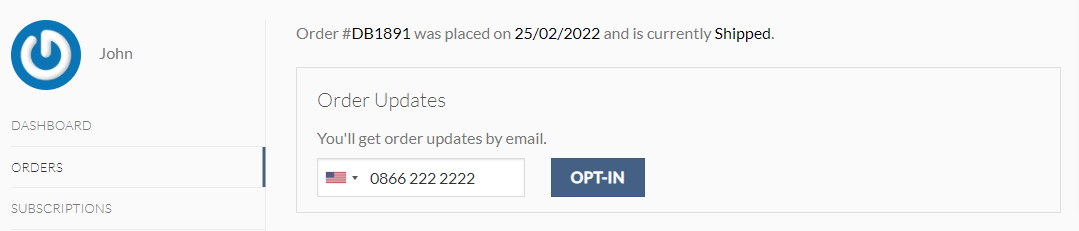
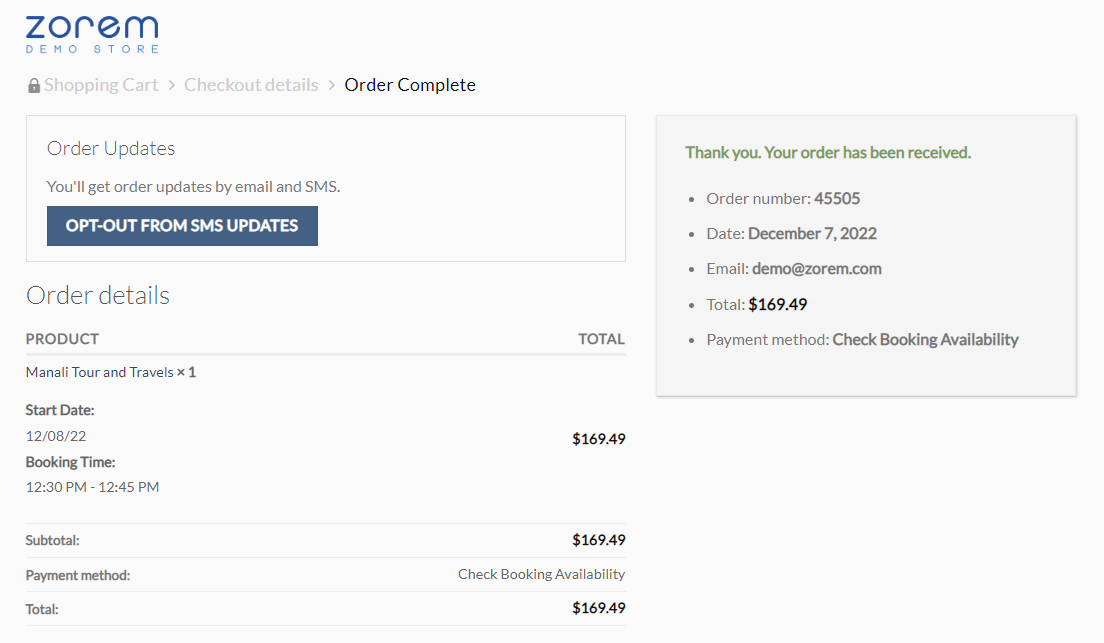
- Allow customers to access SMS preferences from the order confirmation page and the view order page.
- Let customers opt out directly from these pages without contacting support.
Post-Checkout Opt-out
If a customer is opted in for SMS notifications and wants to opt out, they can do so at any time from the Order Confirmation page or the View Order page — no support request needed. See How to control customer opt-in at checkout for how that initial consent is captured.
Compliance: replying “STOP”
This plugin does not automatically process inbound “STOP” replies sent from a customer’s phone back to your SMS number — it has no inbound-message handling. The order-page opt-out above is the only opt-out mechanism the plugin itself provides.
If you send marketing (as opposed to purely transactional/order-status) SMS, most carriers and regulations (including TCPA in the US and equivalent rules elsewhere) require you to honor a “STOP” reply as a valid opt-out regardless of whether a plugin processes it automatically. Check whether your SMS gateway (Twilio, Vonage, etc.) offers its own inbound-STOP or compliance handling at the carrier level, and rely on that or a manual process to cover replies — don’t assume this plugin covers it for you.