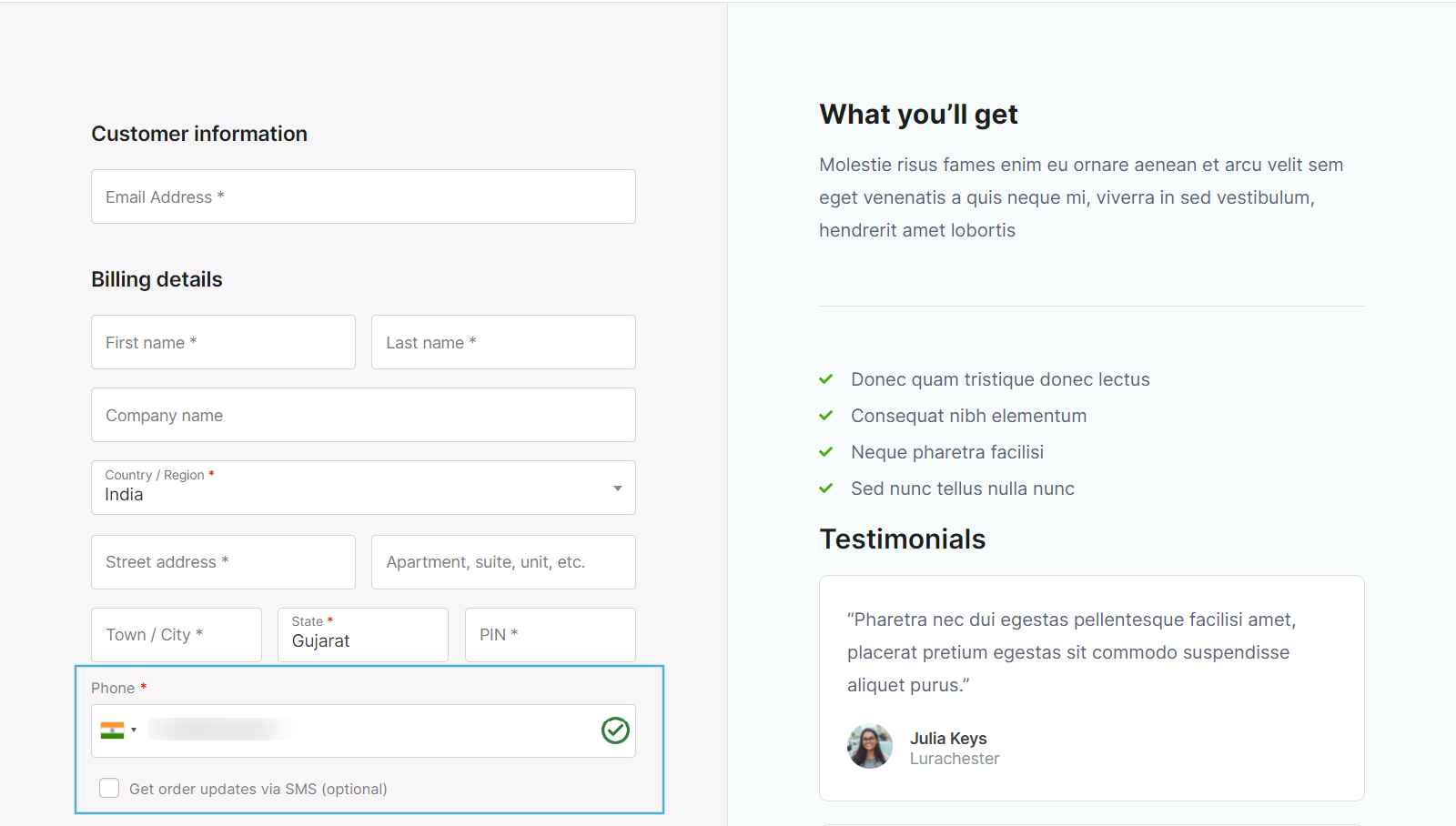
Show an SMS opt-in checkbox on a checkout step built with WooCommerce Checkout & Funnel Builder by CartFlows so customers can consent to order updates by text before completing their order.
Requirements
Requires CartFlows (free or Pro) and SMS for WooCommerce to both be installed and active on your site.
Setup Instructions
- Enable CartFlows and build your funnel with a Checkout step.
- Go to WooCommerce → SMS Settings → SMS Notifications → Checkout Options and turn on Enable SMS Opt-in on Checkout.
- CartFlows’ classic Checkout step renders WooCommerce’s own billing/shipping form fields, so all five Opt-in Location options work — pick whichever position fits your funnel layout.
- Customize the Opt-in Label text and decide whether Opt-in Checkbox Checked by Default should be on — check your local SMS consent laws before pre-ticking it.
- Open the funnel’s checkout step and confirm the SMS opt-in option is shown to customers, then run a test order through the funnel to confirm the choice is saved.
Troubleshooting: option isn’t showing
- Opt-in is switched off – confirm ‘Enable SMS Opt-in on Checkout’ is turned on under WooCommerce → SMS Settings → SMS Notifications → Checkout Options.
- Checkout step uses CartFlows’ block-based checkout – the Opt-in Location dropdown only applies to the classic/shortcode-style checkout fields; a funnel step built on the WooCommerce Checkout block wires the opt-in through the block checkout integration instead, and location choice is ignored.
- Previewing a cached funnel page – CartFlows and page-cache plugins can cache checkout step markup; purge the cache after changing any opt-in setting and test in an incognito window.
- Custom checkout template override – a heavily customized CartFlows checkout template can omit the WooCommerce hooks the opt-in checkbox renders into; compare against a default CartFlows checkout step.
Using a different checkout builder? See CheckoutWC or Cashier one-page checkout, or browse the full list on the Compatibility page.