Set up SMSala for transactional messages using your API ID.
- Go to WooCommerce → SMS Settings and select SMSala.
- Log in to your SMSala account and go to the API section.
- Copy your API ID and API Password.
- Copy your approved Sender ID.
- Enter these details into SMS For WooCommerce Settings.
- Save your changes.
How to get your SMSala API Key:
- Login into your SMSala account.
- Go to the API section and copy your API ID and API Password.
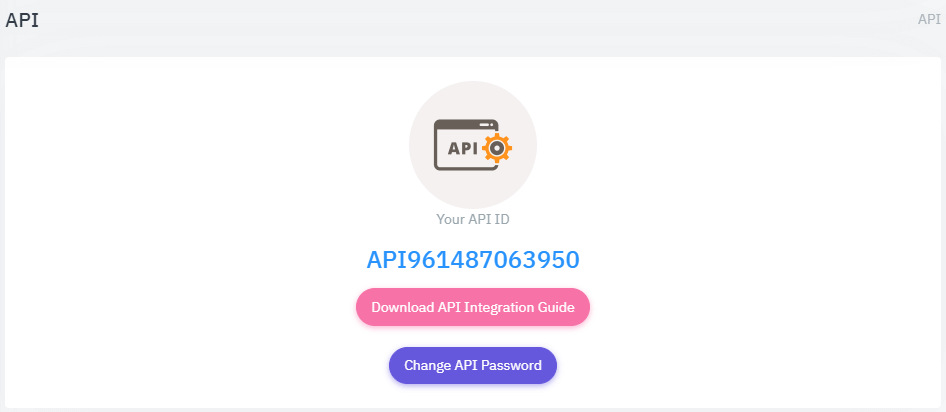
How to get your SMSala Sender ID:
- Go to Sender ID and copy your approved Sender ID.
- Enter it in the SMS provider settings.
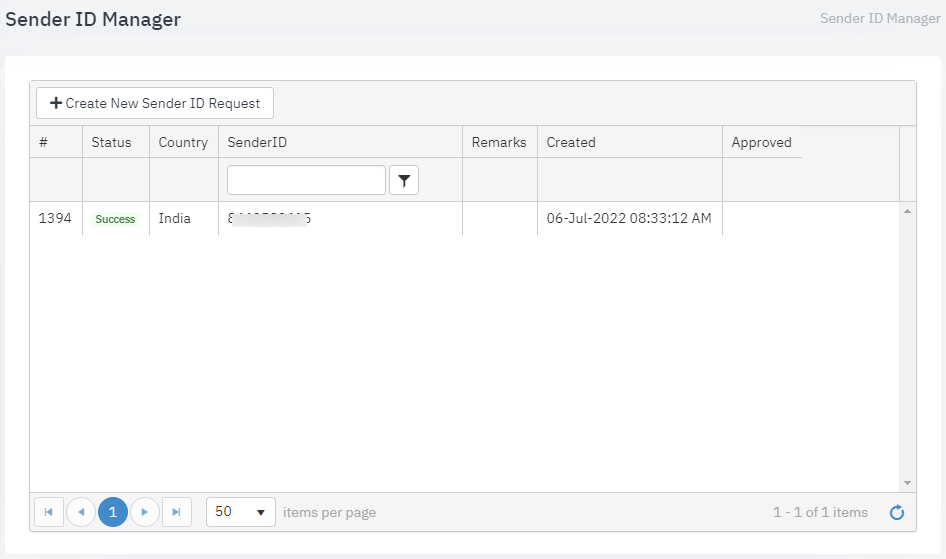
Coverage and Sender ID requirements
SMSala is a UAE-based gateway focused primarily on the Middle East region. Several Middle Eastern regulators (including the UAE’s) require SMS sender IDs to be pre-registered and approved before a business can send transactional messages under that name — SMSala’s Sender ID panel is where this approved ID lives, and an unapproved sender ID will typically be rejected outright rather than just filtered.
Test your connection
- After saving your SMSala API ID, API Password, and Sender ID, use the Send Test SMS option on the settings screen.
- Send a test message to a number you control and confirm delivery.
- If it fails, check the Troubleshooting section below.
Troubleshooting
- Authentication error: confirm the API ID and API Password were copied together from the same API section — resetting one without the other breaks the pair.
- Sender ID rejected: the sender ID isn’t approved yet in your SMSala account — apply for approval under Sender ID before using it live.
- Test message never arrives: check your SMSala account balance; sends fail silently once credit is exhausted.
- Works in the UAE/Gulf but not elsewhere: SMSala’s strongest coverage is the Middle East — check SMSala’s own coverage list before sending to other regions.
See the SMS Gateways overview to compare other providers, or the general provider connection guide.