Notify customers automatically when shipment tracking info is added via the AST plugin
- Ensure Advanced Shipment Tracking is active.
- Go to WooCommerce → SMS Notifications.
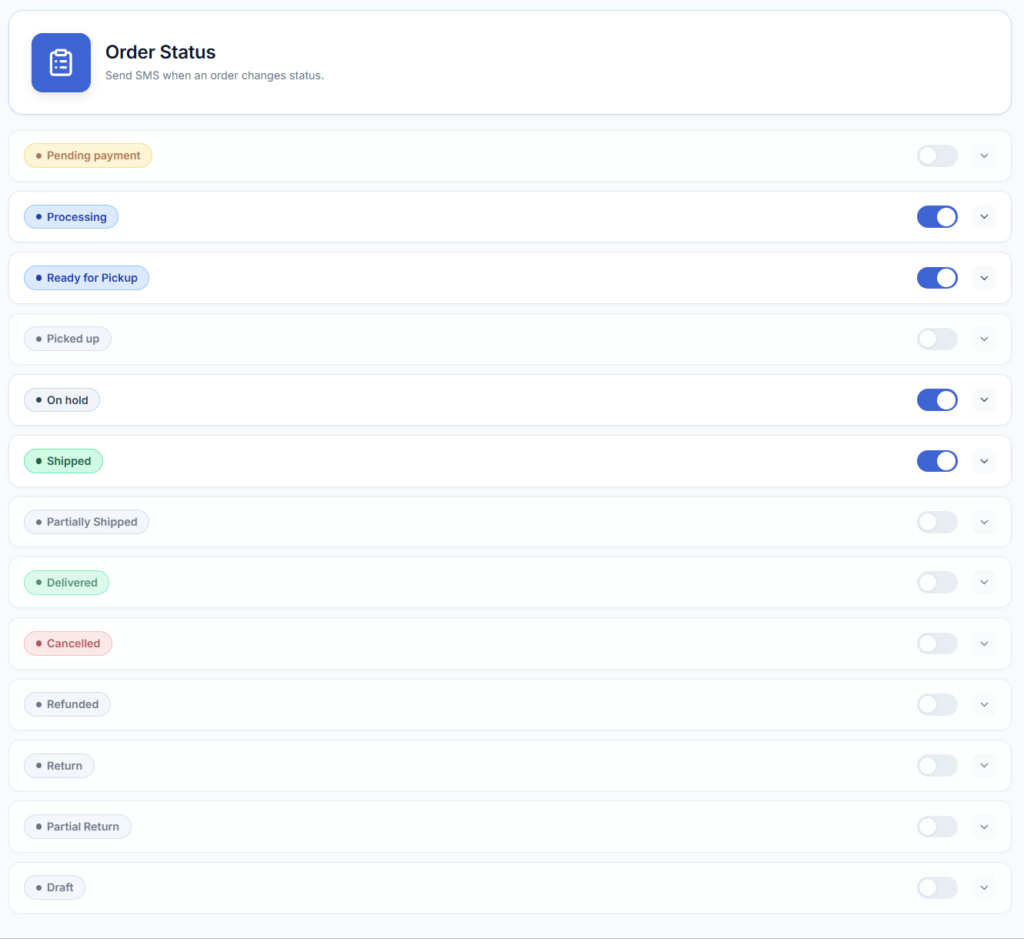
- Enable SMS notifications for shipment-related order updates.
- Edit the SMS message that is sent when shipment data is added.
- Insert shipment placeholders (e.g., {tracking_number}) where appropriate.
- Save your changes.
Available Placeholders for orders SMS
Use the following variables to dynamically add order information to your SMS messages. These work for both customer and admin messages. See below if you want to add your own messages variables.
- {shipping_method} – the shipping method for the order
- {tracking_number} – the tracking number/s for the order
- {tracking_provider} – the shipping provider for the tracking number
- {tracking_link} – the tracking link for the order