Loco Translate is a free plugin for translating the built-in strings of Country Based Restrictions PRO — either editing one of the shipped languages or adding a new one.
Loco Translate → Plugins → Country Based Restrictions PRO Add-onEdit an Existing Language
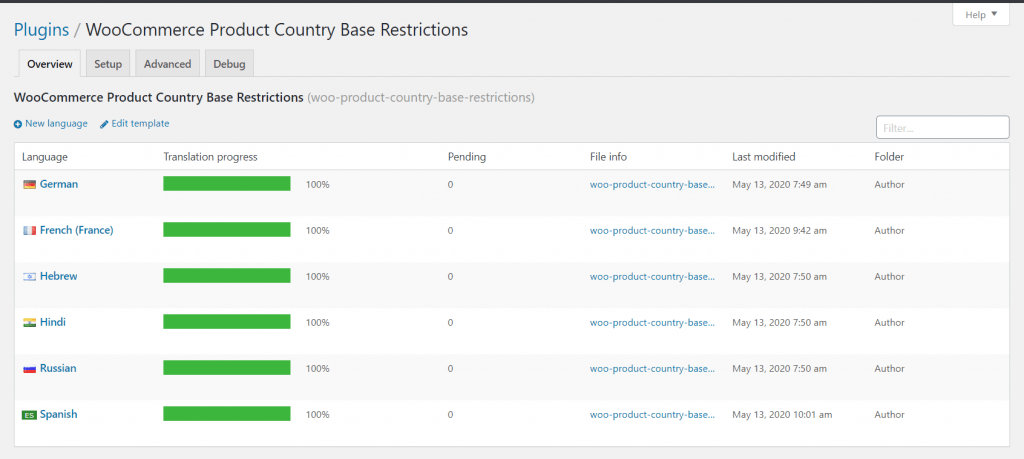
- Open Loco Translate → Plugins — and click Country Based Restrictions PRO Add-on.
- Click Edit — next to the language you want to change (for example German).
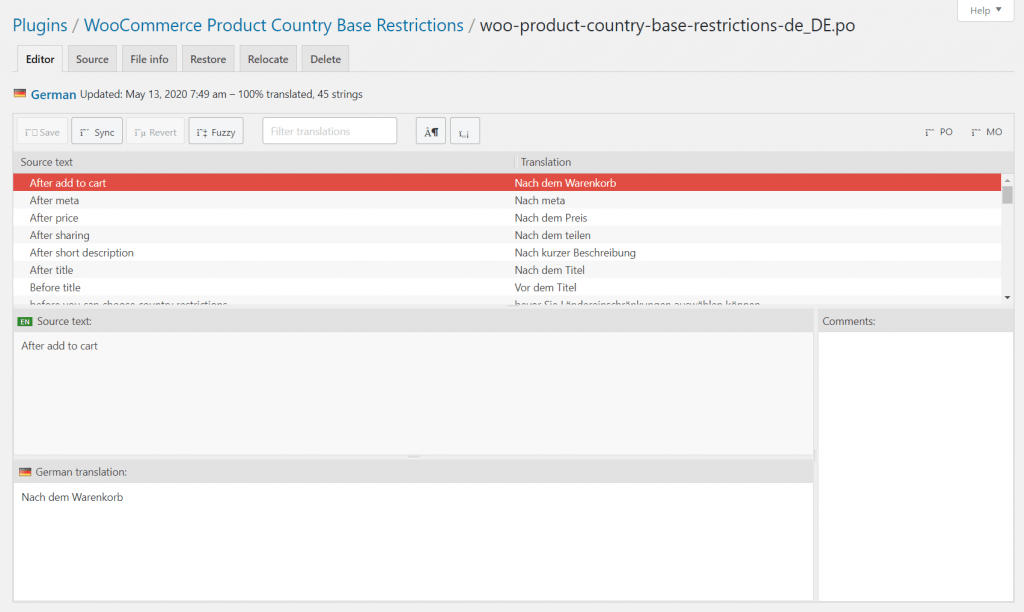
- Translate the strings — select a source string and enter your translation.
- Click Save — your storefront shows the new texts for that language.
Add a New Language
- Click New language — on the plugin’s Loco Translate page.
- Choose the language — from the list (it should match a language installed in Settings → General → Site Language, or a WPML/Polylang language).
- Choose the location: Custom or System — not Author. Files saved in the plugin’s own folder (Author) are deleted on every plugin update; Custom (languages/loco/plugins/) and System (languages/plugins/) survive updates.
- Start translating — then click Save.
INFO
Loco Translate covers the plugin’s built-in strings. The restriction messages you typed into Setup & Configuration are settings, not plugin strings — translate those with WPML String Translation or Polylang instead (see How to Translate with WPML).
Next Steps
- How to Translate with WPML — translate your custom restriction messages.
- Translations — languages shipped with the plugin.