Settings holds the switches that apply to the whole site and every agent at once. Choices for a single agent — its permissions, masking, destructive switch and expiry — live on that agent’s own page instead.
AI Agent OS → SettingsOnly an administrator can save these settings. Someone you gave AI Agent OS access, such as a Shop Manager, can view them but not change them. Nothing is saved until you click Save changes.
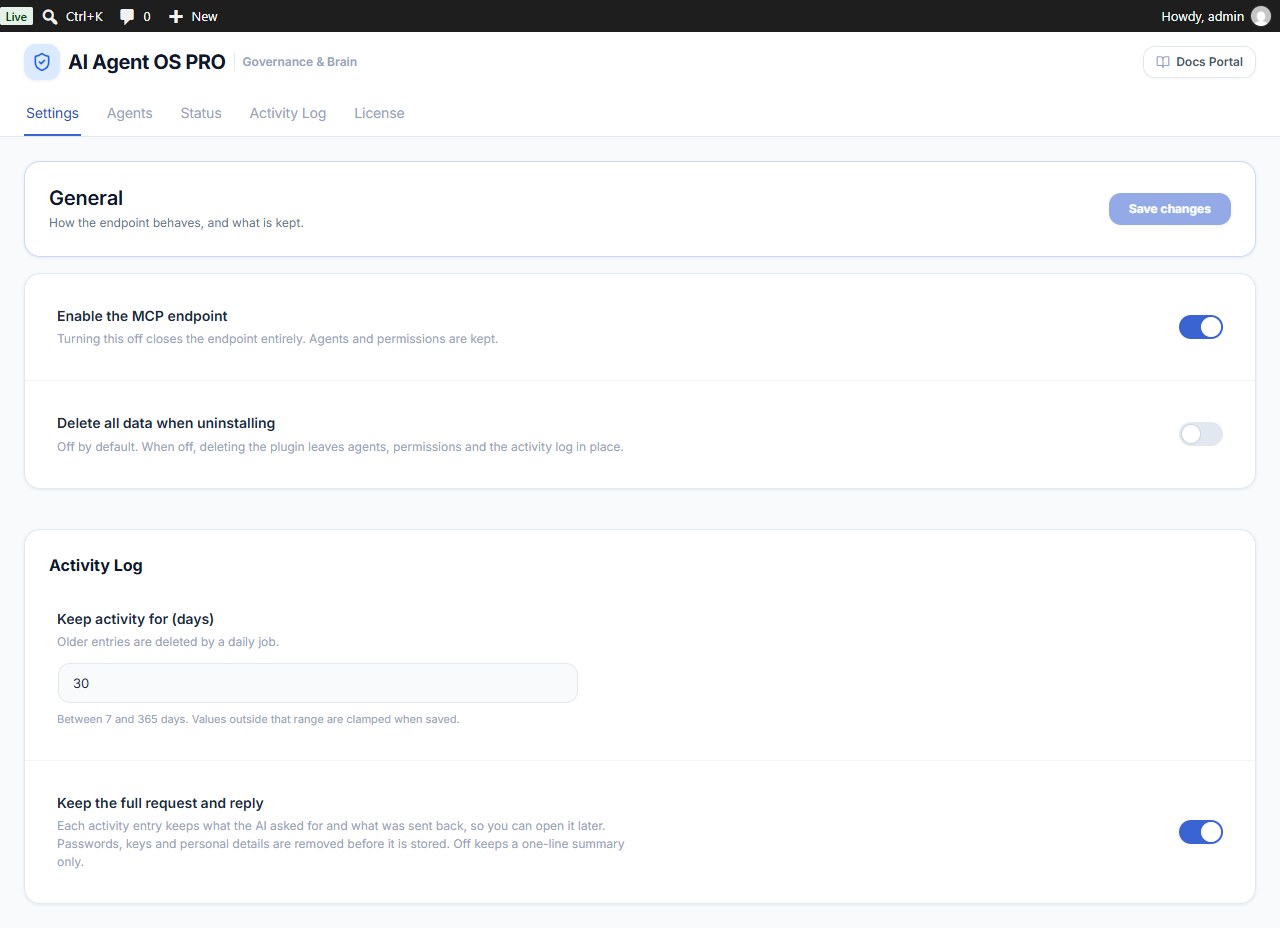
General
| Setting | Default | What it does |
|---|---|---|
| Enable the MCP endpoint | On | The door for AI apps. Off = no app can connect and no new sign-in can start. Agents, permissions and history are kept. |
| Delete all data when uninstalling | Off | Off = agents, permissions and the activity log stay if you delete the plugin, so reinstalling brings everything back. On = everything the plugin stored is removed when you delete it. |
With Delete all data when uninstalling on, deleting the plugin permanently removes every agent, token, permission and log entry. Connected apps are always signed out when the plugin is deleted, whatever this setting.
Activity Log
| Setting | Default | What it does |
|---|---|---|
| Keep activity for (days) | 30 | How long the Activity Log keeps entries, from 7 to 365 days. Older entries are deleted by a daily job. |
| Keep the full request and reply | Off | Also store what the AI asked for and what was sent back on each entry, with passwords, keys and personal details removed. Off keeps a one-line summary only. Applies to new entries. |
Removed in 1.0.1
- Allow destructive abilities site-wide — each agent’s own destructive switch (off by default) now decides.
- Let clients register themselves to sign in — Claude and ChatGPT sign in with a client metadata document; Codex and similar apps connect with the agent’s token.
- Tool risk levels — every tool is rated Read, Write or Destructive automatically.