If you run WooCommerce Subscriptions, Email Reports can add subscription figures to your reports — signups, renewals, resubscribes, switches and the revenue from each.
These totals only appear once you switch them on. Edit the report in WooCommerce > Email Reports, open the Report Totals panel for the subscription totals, and the Report Details panel for the subscription tables. The options are hidden entirely if WooCommerce Subscriptions isn’t active.
Subscription totals
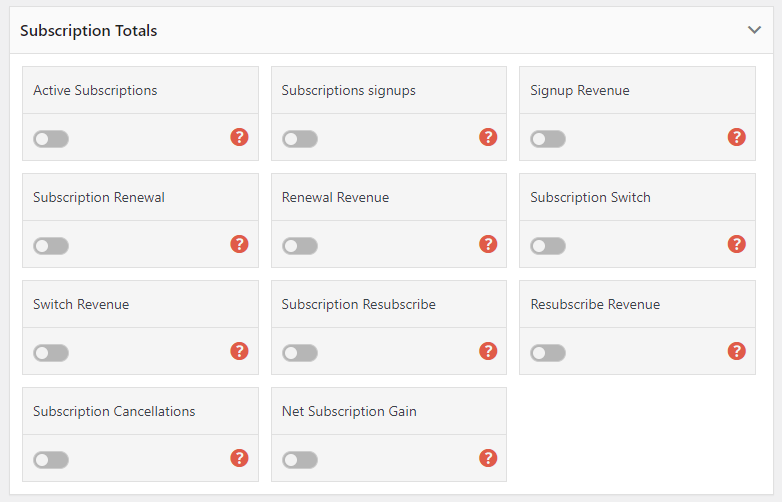
| Total | What it means |
|---|---|
| Active Subscriptions | How many subscriptions have the status Active at the moment the report is generated. Unlike everything else on this page, this is a snapshot rather than a figure for the report period — it does not change if you change the report’s date range. |
| Subscription signups | New subscriptions started during the report period. |
| Signup Revenue | Revenue from those signups during the report period. |
| Subscription renewals | Renewals processed during the report period. |
| Renewal Revenue | Revenue from those renewals during the report period. |
| Subscription resubscribes | Customers who resubscribed during the report period after their subscription had ended. |
| Resubscribe Revenue | Revenue from those resubscribes during the report period. |
| Subscription switches | Customers who switched plan during the report period — upgrades, downgrades or changes. |
| Switch Revenue | Revenue from those switches during the report period. |
Subscription details options
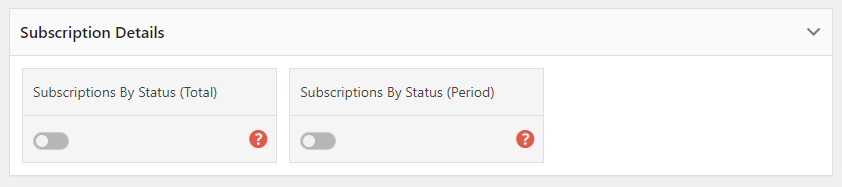
Two tables can be added under the totals:
| Table | What it shows |
|---|---|
| Total Subscriptions By Status | A breakdown of every subscription on the store by status — New, Active, Cancelled, Pending Cancellation, Expired, On hold. Like Active Subscriptions, this is the position at the time the report is generated. |
| Subscriptions Activity | What changed during the report period — subscriptions that became New, Cancelled, Pending Cancellation and so on within the dates the report covers. |
The difference between the two matters: the first answers “where do we stand?”, the second answers “what happened this period?”.