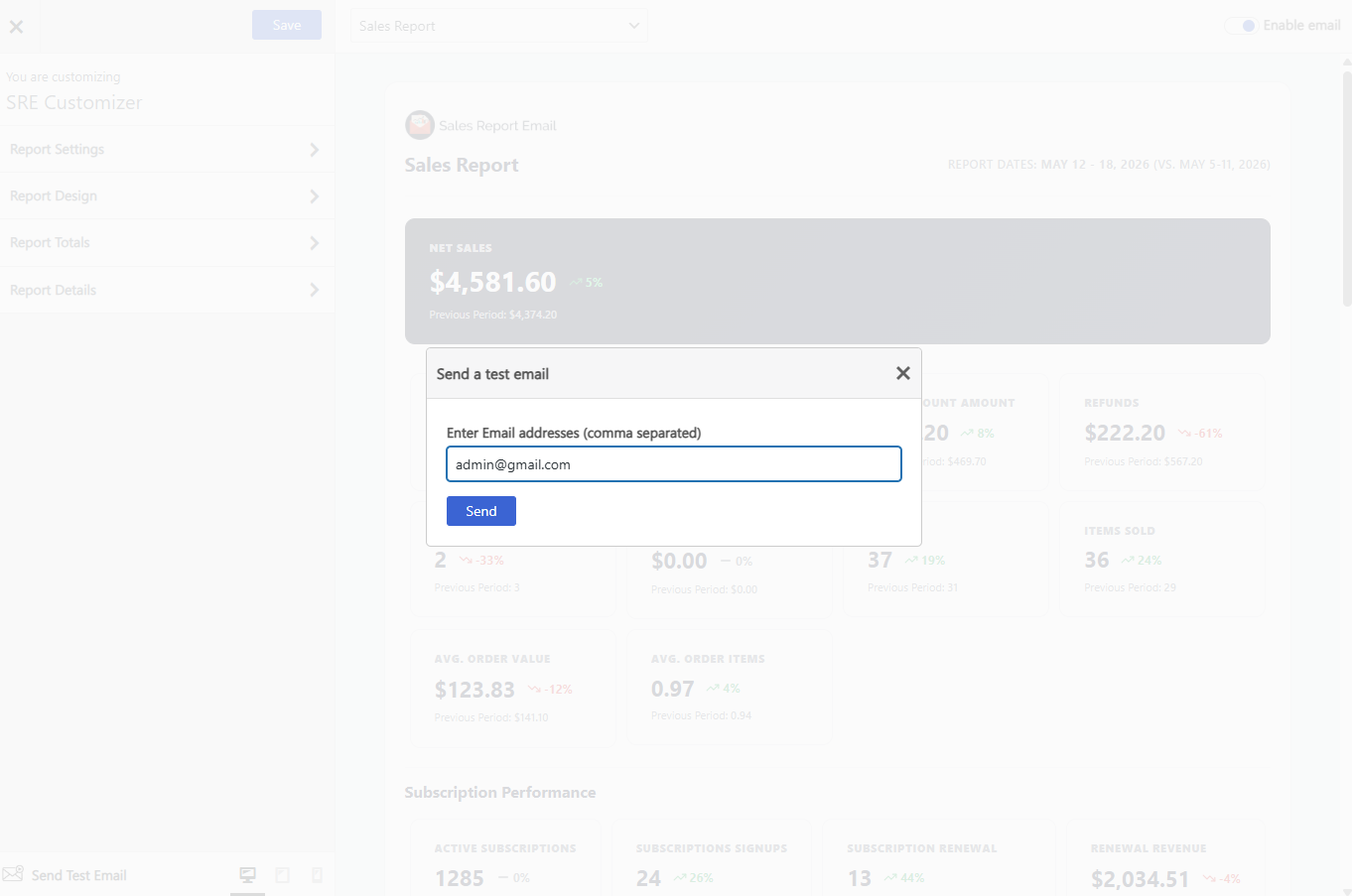
Send a Test Email sends you a copy of the report as it will actually arrive, so you can check the design, the figures and the delivery before anyone else sees it. Enter one or more email addresses, separated by commas.
Always send a test before you enable a new report.
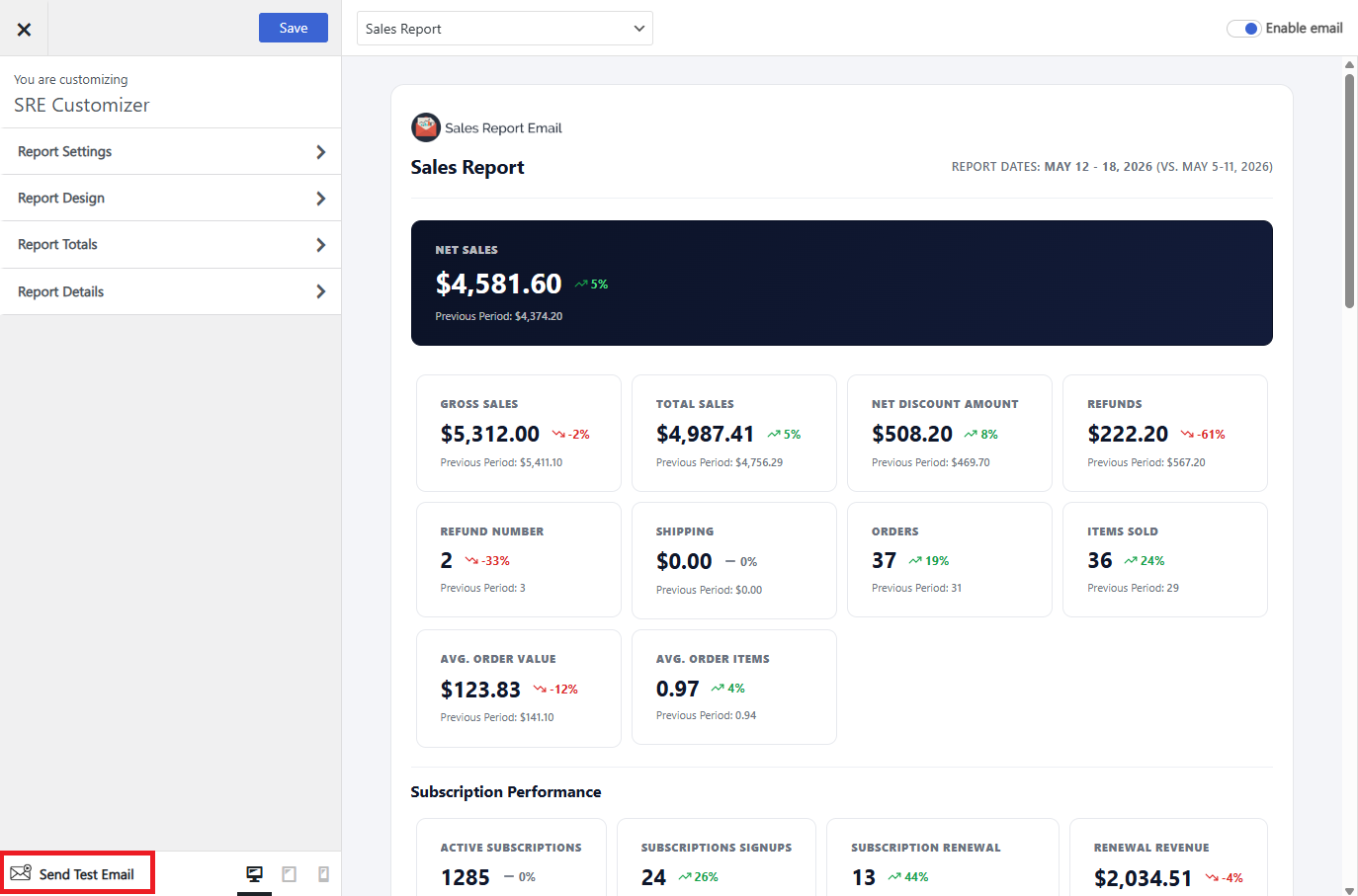
What a test email looks like
- The subject is prefixed with
[TEST], so a test is never mistaken for a real scheduled report. - It uses your live store data, not sample figures. The numbers in a test are real, for the period the report is set to cover — which also makes a test the quickest way to check whether your totals look right.
- It goes only to the addresses you type in the test field. Your report recipients are not emailed.
- Sending a test does not change the schedule, and does not count as that period’s send.
If the test doesn’t arrive
A test that never shows up is a delivery problem rather than a scheduling one — the report generated and was handed to your mail setup. Check the spam folder, then see the deliverability steps on Report Settings; an SMTP plugin fixes most cases.
If the test arrives but the scheduled report doesn’t, the cause is scheduling instead — see Report Schedule for WP-Cron and license requirements.