The Report Design panel controls how the report email is branded — the header image at the top, and the two links in the footer.
Everything else about the email’s appearance comes from a fixed template, so your reports stay readable in every mail client without you having to style them. There are no colour or font settings to configure.
| Setting | What it does |
|---|---|
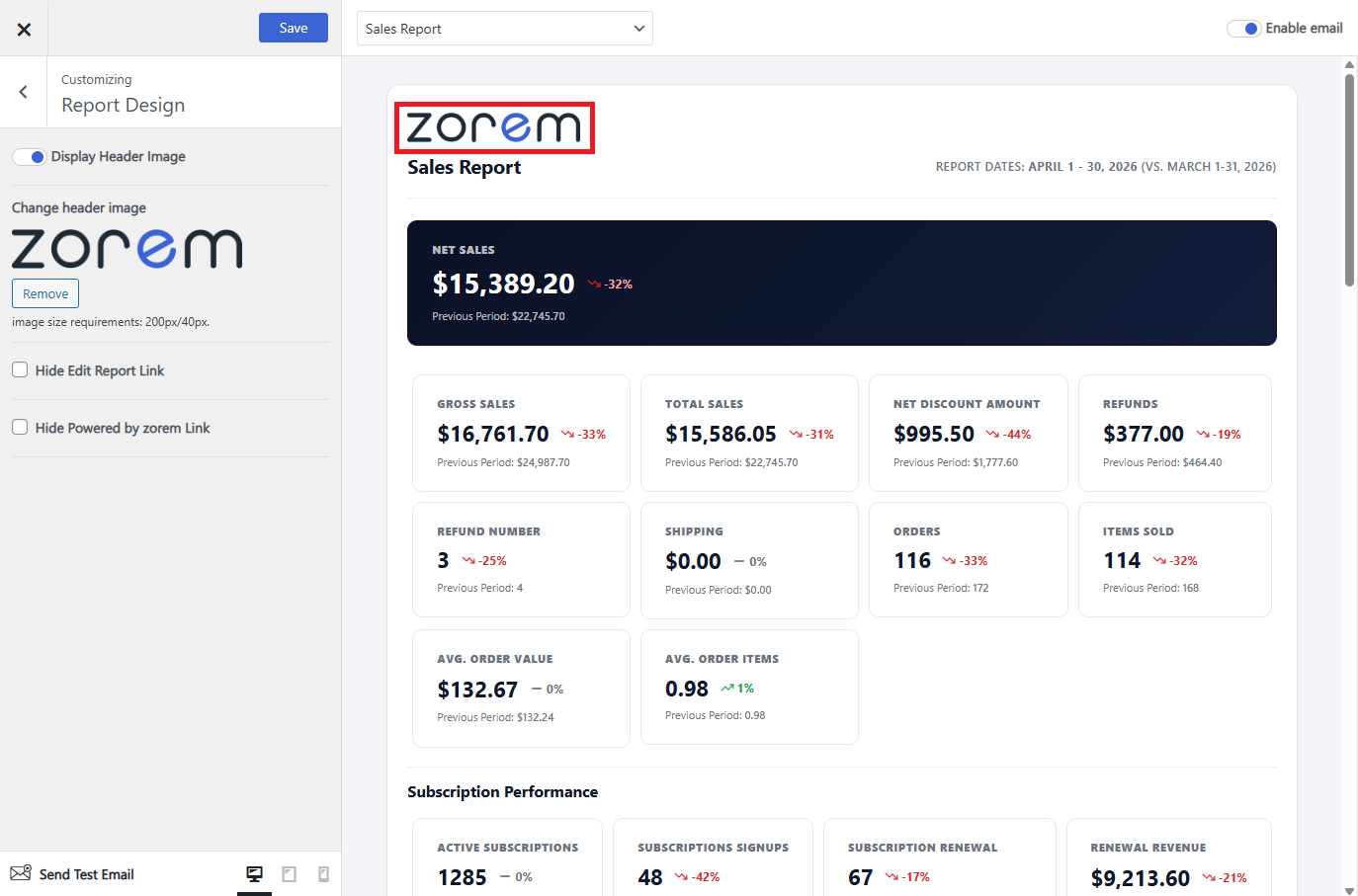
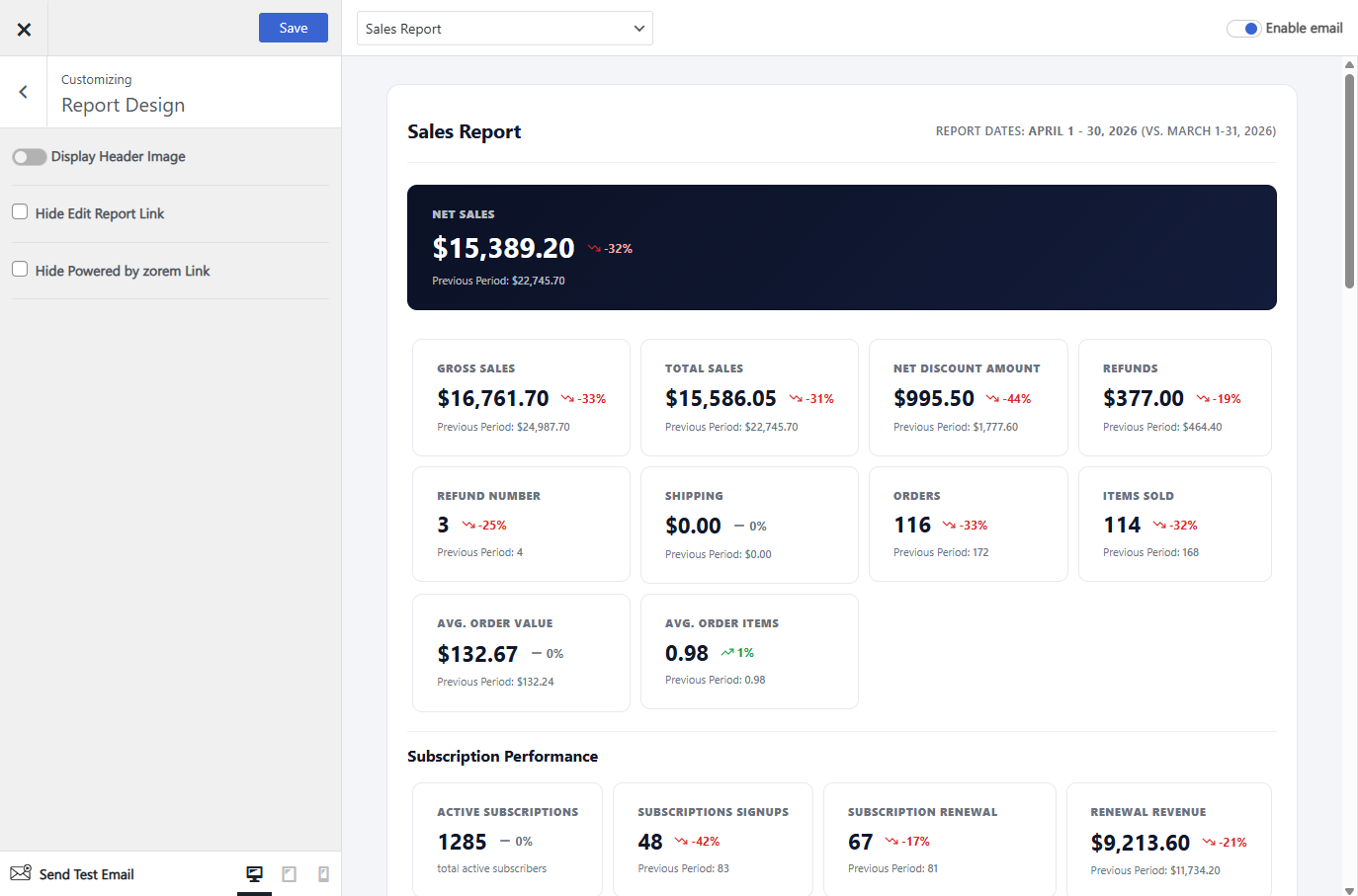
| Display Header Image | Shows or hides the image at the top of the email. On by default. |
| Change header image | Upload your own logo or header image to replace the default one. |
| Hide Edit Report Link | Hides the “Edit Report” link in the footer. Useful when the report goes to people who do not have admin access to your store. |
| Hide Powered by zorem Link | Hides the “Powered by zorem” link in the footer. |
Header image
Upload your own logo so the report looks like it came from your store rather than from a plugin. Use a wide image rather than a square one — it sits across the full width of the email — and keep it reasonably small, since it loads in an email client.
With Display Header Image turned off, the email starts straight at the report title:

Footer links
Two links appear at the bottom of every report, and each can be hidden independently:
- Edit Report — takes an admin straight to this report’s settings. Hide it when the report goes to people outside your team, since the link is no use to them.
- Powered by zorem — hide it if you would rather the report carried no third-party branding.
Next: Report Settings.