To configure the Zorem Local Pickup Pro, follow these steps in your WordPress admin menu:
Navigate to WooCommerce > Local Pickup Pro.
To configure the Zorem Local Pickup Pro, follow these steps in your WordPress admin menu:
Navigate to WooCommerce > Local Pickup Pro.
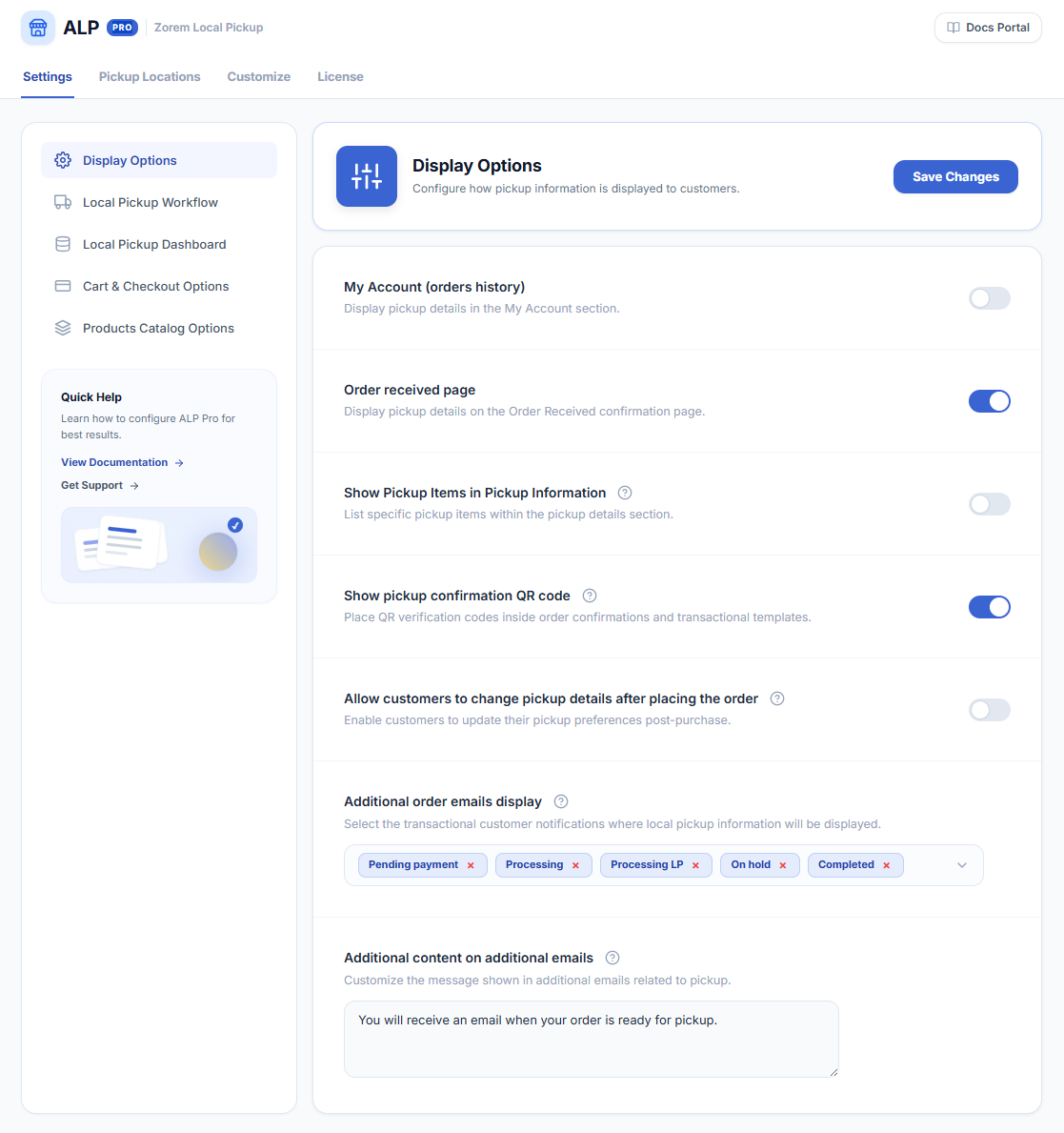
WooCommerce → Local Pickup Pro → Settings → Display Options Display options control where pickup location details appear...
The Local Pickup Workflow involves three custom order statuses to streamline the in-store pickup process: Upon activating these...
Customize your dashboard by selecting the order statuses you want to display: The Fulfillment Dashboard serves as a...
WooCommerce → Local Pickup Pro → Settings → Cart & Checkout Options Customize your cart and checkout experience...
WooCommerce → Local Pickup Pro → Settings → Products Catalog Options Enhance your product catalog with the following...
Customize the availability of products for local pickup orders by utilizing the Force Local Pickup feature. You have...
Customize Pickup Information Widget The pickup instructions include essential details such as the location name, address, working hours,...