By default, our plugin displays the Local Pickup availability message on the Single Product page using WooCommerce hooks.
For example, on a normal product page, you will see something like this:
“This Product is available for local Pickup.”
(Shown in the screenshot on the regular WooCommerce product page.)
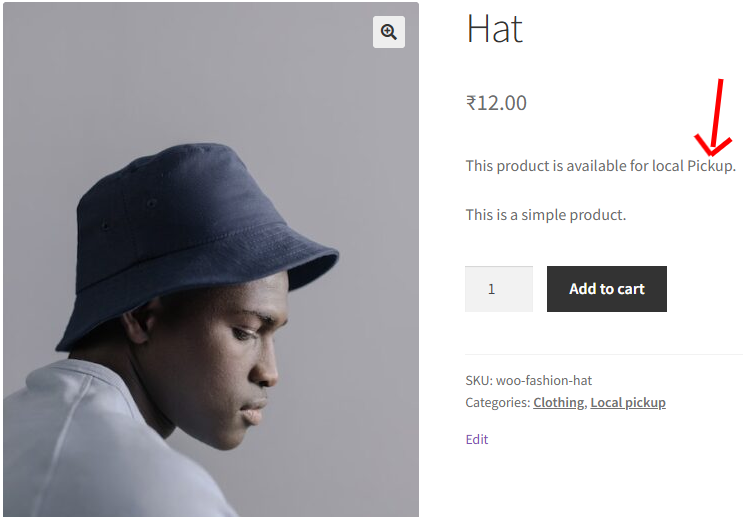
This message appears automatically when the product is eligible for Local Pickup.
Why the Message Does Not Show in Elementor
If you are using Elementor or Elementor Pro to create a custom Single Product template, Elementor does NOT run the standard WooCommerce hooks such as:
woocommerce_single_product_summaryBecause of this, the Local Pickup message will not appear automatically on Elementor-built product pages.
Solution: Use the Shortcode in Elementor
To allow you to show the same Local Pickup message inside Elementor templates, we added a new shortcode:
Shortcode:
[alp_local_pickup_message]How to Use in Elementor
- Edit your Single Product Template in Elementor.
- Drag and drop the Shortcode Widget where you want the message to appear.
- Enter:
[alp_local_pickup_message]The message will now display correctly on your Elementor product page.
What the Shortcode Displays
The shortcode follows the same logic as the default WooCommerce hook:
It will show the Local Pickup message only if:
- The product is not virtual, AND
- The product is marked as eligible for Local Pickup
If those conditions are true, the message appears.
If not, the fallback text is shown: