The chosen delivery date is captured at checkout and carried through the entire order lifecycle. Here is where it appears and what controls each location.
Checkout
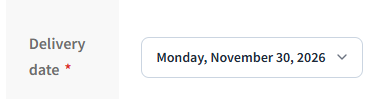
The date picker is shown on the checkout page below the shipping fields. Customers select their preferred delivery date before placing the order.
Order Received Page
After checkout, the selected delivery date is shown on the order-received (thank-you) page under the order summary. Enable this in:
WooCommerce → Delivery Slots → Settings → Show Delivery Date on Order PagesMy Account → Orders
The delivery date appears on the order detail page inside the customer’s My Account area, giving customers an easy reference after purchase.
Order Emails
The delivery date is included in WooCommerce order emails — both to the customer and to the store admin. Enable this in:
WooCommerce → Delivery Slots → Settings → Show Delivery Date in Order Emails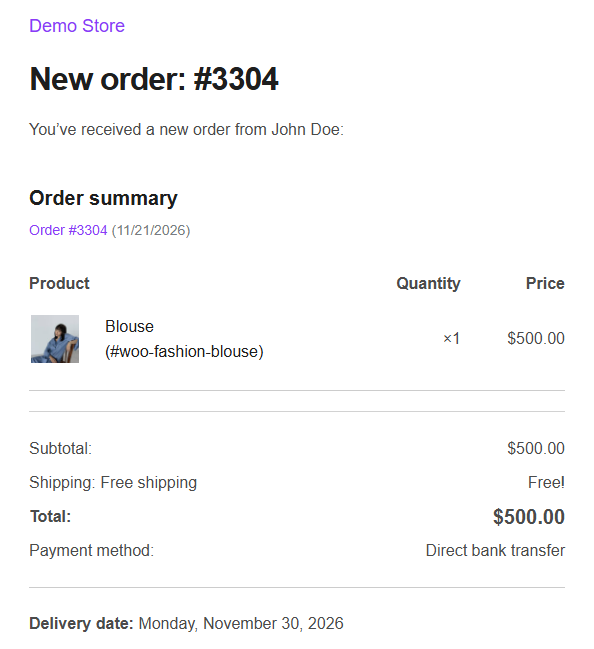
Admin Order Screen
The chosen delivery date is visible on the order edit screen in:
WooCommerce → Orders → [Order] → Order Details