Loco Translate is a free WordPress plugin for managing .po/.mo translation files directly from the admin dashboard.
Loco Translate → Plugins → Zorem Local Pickup- Install and activate the Loco Translate plugin — from the WordPress plugin repository.
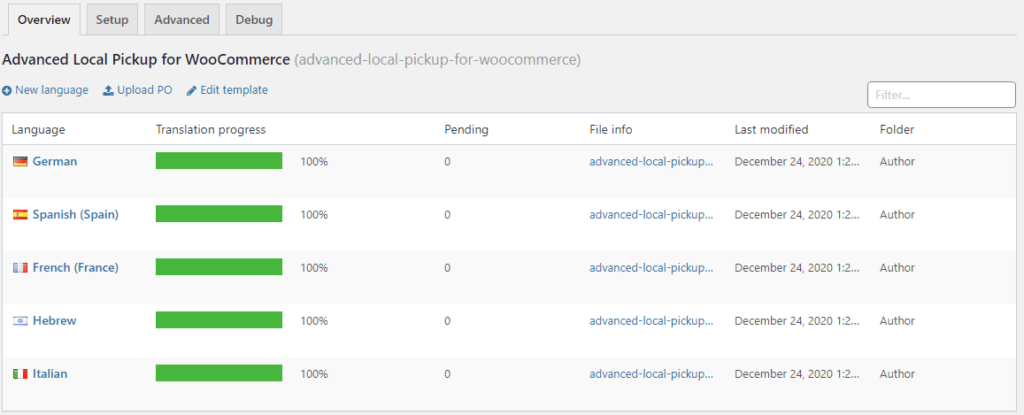
- Go to Loco Translate → Plugins.
- Find Zorem Local Pickup in the list — and click on it.
- Click New Language — to create a translation for your target language.
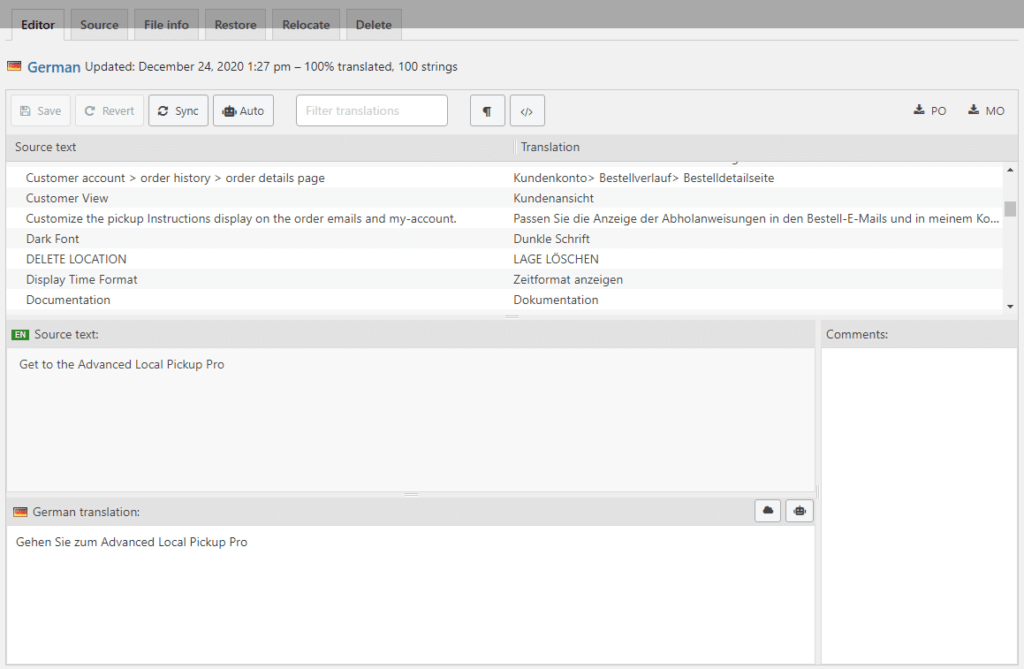
- Loco Translate will display all translatable strings. — Edit each string to provide your translation.
- Click Save when done. — The plugin will use your translation file automatically.
For example if you want to translate German language just click on edit inside German label translate it.