Business hours are displayed alongside your address in the pickup information widget. Customers use them to know when they can come to collect their order.
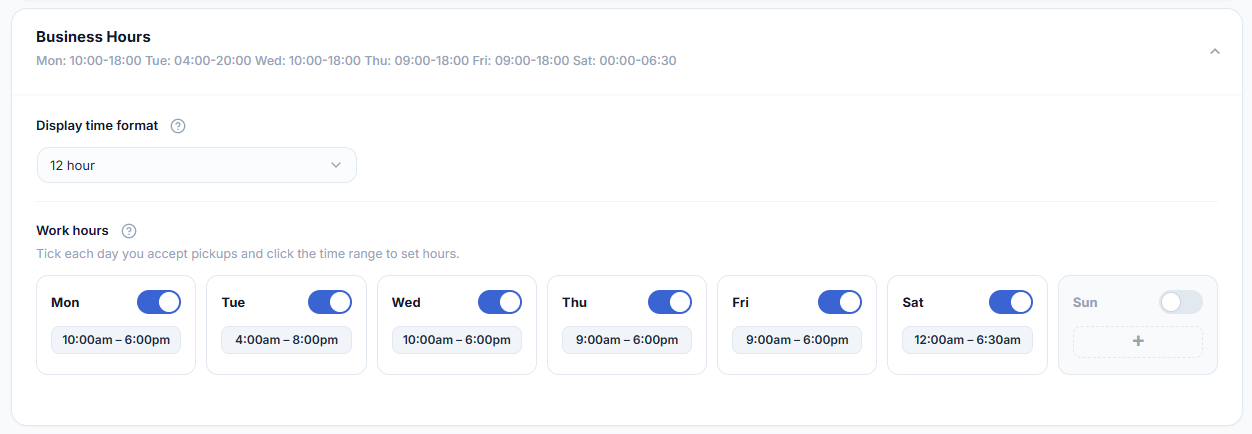
- Locate the Business Hours section — Scroll further down in the Pickup Location tab to find the Business Hours configuration.
- Enable hours for each open day — Toggle each day of the week on or off. For days you are open, set the opening and closing times using the time pickers.
- Set closed days — Leave days toggled off for days your location is closed. They will not appear in the customer-facing widget.
- Save your changes — Click Save Changes.
TIP
Keeping business hours accurate is important — a customer who arrives outside your hours will not be able to collect, which creates a support issue. Update hours for holidays and special closures in advance.