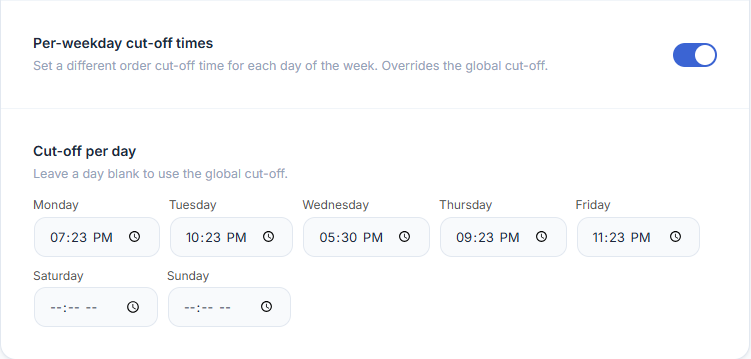
EDD PRO replaces the single global cut-off time with per-weekday cut-off times. Set a different order cut-off for each day of the week — useful if your warehouse operates on different schedules across the week.
WooCommerce → Estimated Delivery → SchedulingHow to Configure
Example
Your warehouse ships until 8:30 PM Monday–Tuesday and Thursday–Friday, but only until 5:30 PM on Wednesday. Set Wednesday’s cut-off to 05:30 PM and leave the other days blank to use the global cut-off.
How It Works
- When a customer views a product, the plugin checks today’s day of the week.
- It looks up the cut-off time for that specific day. If the field is blank, the global cut-off is used.
- If the current time is before that day’s cut-off, today is the dispatch date.
- If after the cut-off, dispatch moves to the next working day.