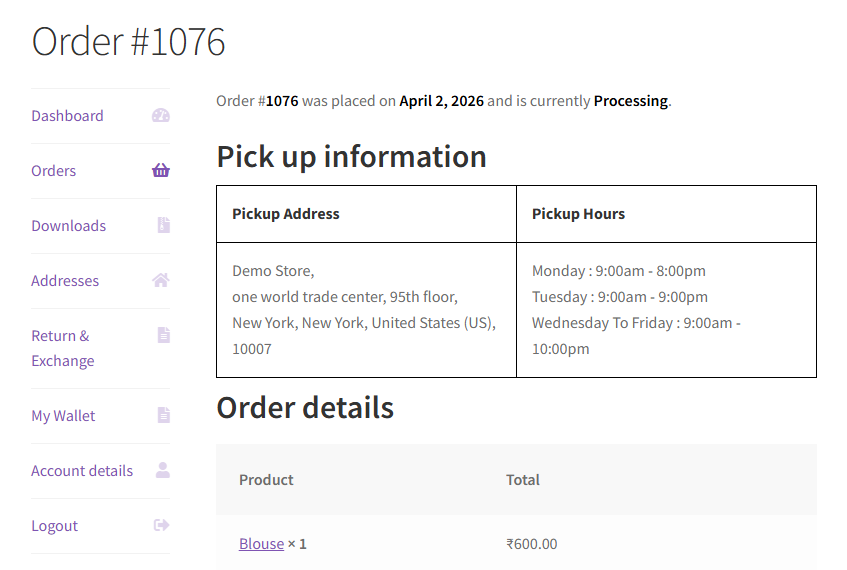
Understanding what your customers experience at each stage helps you configure the plugin correctly and set appropriate expectations in your store policies.
On the Order Received Page
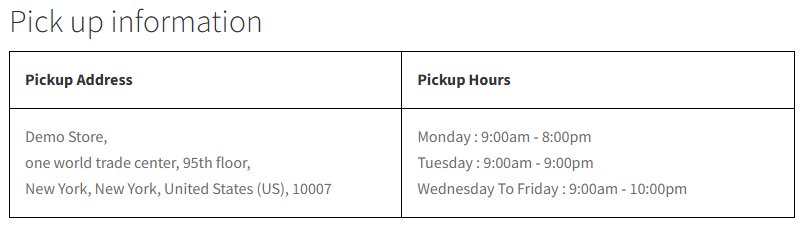
Immediately after placing the order, the customer lands on the Order Received (thank-you) page. If you have enabled Display on Order Received Page in the settings, they will see a pickup information widget showing:
- Pickup location name
- Special instructions
- Full address with telephone number
- Business hours
In My Account
If you have enabled Display in My Account, customers can navigate to My Account → Orders, click on any past pickup order, and see the pickup information widget on the order details page. This is useful for customers who need to look up your address or hours after the fact.