The address is displayed in the pickup information widget on the checkout page, order received page, confirmation emails, and in the customer’s My Account order history.
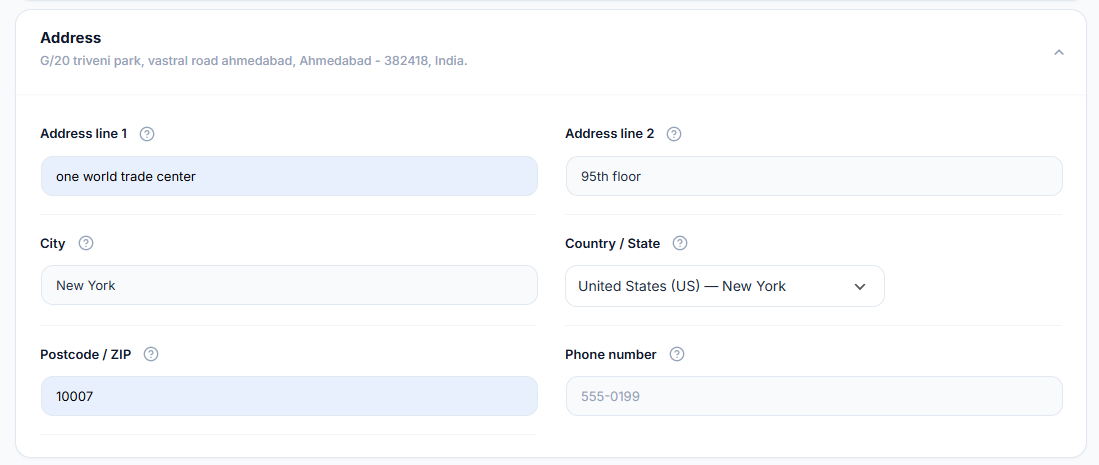
- Locate the Address section — Scroll down in the Pickup Location tab to find the Address fields.
- Complete all address fields — Fill in: Address Line 1, Address Line 2 (optional), City, State/Province, ZIP/Postcode, Country (toggle show/hide), and Telephone number.
- Check the default address — The plugin pre-fills the address from your WooCommerce store settings. Update any fields that differ from your actual pickup address.
- Save your changes — Click Save Changes at the bottom of the page.
NOTE
The default address is pulled from WooCommerce > Settings > General > Store Address. If your pickup location differs from your registered business address, always update the fields manually here.